

About Course
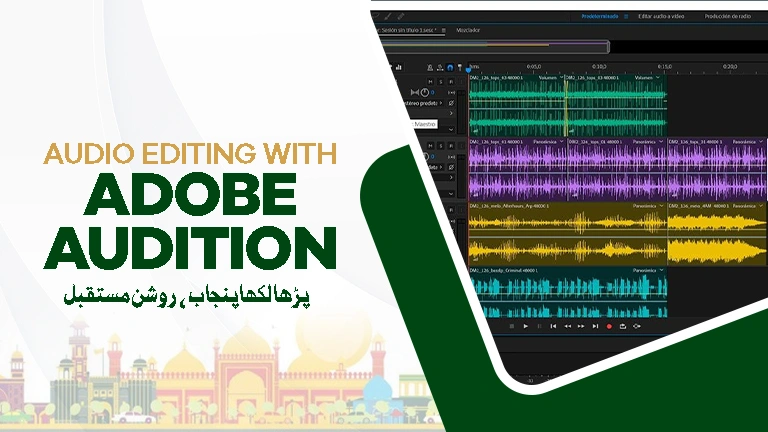
Adobe Audition: Mastering Audio Editing and Production” is a comprehensive course designed to take you from a beginner to a proficient user of Adobe Audition, one of the industry’s leading audio editing software. Whether you’re a podcaster, voice-over artist, musician, or audio engineer, this course will equip you with the essential skills needed to produce high-quality audio content.
Starting with an introduction to the software’s layout and basic functionalities, you’ll learn how to navigate Adobe Audition and understand the differences between voice, music, sound effects, and various audio formats. As you progress, you’ll dive into recording techniques, noise reduction, and compression methods to enhance the clarity and quality of your audio recordings.
The course also covers advanced editing techniques, including the use of multi-band effects and equalization, to make your voice-overs and audio productions sound professional. You’ll learn how to perform pitch correction, time adjustments, and quick editing techniques that save time and improve workflow.
In the final sections, you’ll explore professional techniques and presets, learning how to create and apply custom presets for different audio scenarios, including podcast editing and studio reverb. By the end of the course, you’ll be able to produce polished, professional-grade audio content that meets industry standards.
Who This Course Is For:
- Podcasters: Individuals looking to improve the quality of their podcast audio with professional editing techniques.
- Voice-Over Artists: Professionals who want to enhance their voice recordings and maintain consistent audio levels.
- Musicians: Artists and producers who need to edit, mix, and master their music tracks with precision.
- Audio Engineers: Experienced audio professionals seeking to deepen their knowledge of Adobe Audition’s advanced features.
- Content Creators: Anyone producing audio content for videos, tutorials, or online courses who wants to ensure top-notch sound quality.
- Beginners in Audio Editing: Newcomers who want to learn audio editing from scratch and develop their skills using Adobe Audition.
Course Content
Module 1 – What Audio Editing Is
-
How Recorded Sound Becomes a Finished Track
-
Where Audio Editing Is Used: Podcasts, Video, Music and Voiceover
-
The Waveform Editor and the Multitrack Editor
-
What This Course Will and Will Not Promise You